

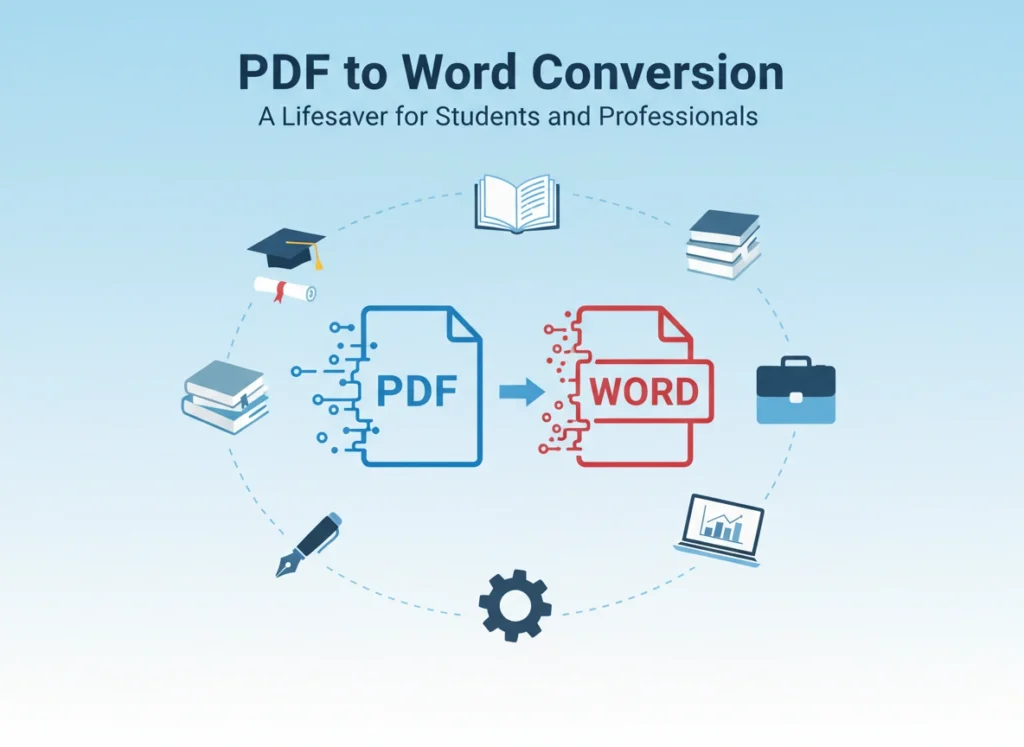

Imagine you are staring at a deadline. The clock is ticking, and the only source material you have for a critical project is locked inside a static PDF file. You can’t copy the text easily, the formatting breaks when you try, and retyping the entire document feels like a punishment. This is a scenario that plays out in dorm rooms and corporate offices every single day. The ability to convert a PDF into an editable Word document isn’t just a technical convenience; it is a fundamental workflow necessity.
For students juggling multiple assignments and professionals managing complex documentation, the bridge between a read-only file and an editable draft is often the difference between a stressful night and a productive one. This article explores why PDF to Word conversion has become an indispensable tool in modern academic and professional environments, offering practical insights on how to leverage this technology effectively.
The Format Wars: Why We Need Both PDF and Word
To understand the solution, we must first understand the problem. The Portable Document Format (PDF) and Microsoft Word documents serve two very different, yet equally important, purposes.
Adobe created the PDF to ensure that a document looks exactly the same on every device. Whether you view it on a phone, a tablet, or a desktop, the fonts, images, and layout remain frozen in place. It is the digital equivalent of a printed page. It is perfect for final submissions, contracts, and brochures where presentation is everything.
Microsoft Word, on the other hand, is a dynamic workspace. It is where ideas are formed, edited, and refined. It is designed for fluidity and change. The friction occurs when we need to move information from the “frozen” state of a PDF back into the “fluid” state of a Word document. Without reliable conversion tools, this process becomes a bottleneck that drains time and energy.
How Students Leverage Conversion for Academic Success
University life is a constant cycle of research, writing, and revision. Students rarely create content from scratch; they synthesize existing knowledge. Here is how converting PDFs to Word documents changes the game for learners.
Streamlining Research and Note-Taking
Most academic journals, textbooks, and research papers are distributed as PDFs. While great for reading, they are terrible for extracting quotes or data.
- The Old Way: A student reads a PDF on one screen and manually retypes quotes into a Word document on another. This introduces transcription errors and wastes hours.
- The Smart Way: By converting the research paper into Word, the student can copy and paste exact quotes directly into their draft. They can use Word’s search function more effectively to find keywords and can highlight or annotate the text using familiar tools.
Editing Lecture Notes and Handouts
Professors often distribute slides or lecture notes in PDF format to prevent formatting issues. However, students often want to add their own notes directly next to the professor’s points. Converting these handouts to Word allows students to expand on bullet points, insert their own diagrams, or reorganize the information in a way that helps them study better.
Group Project Collaboration
Group projects are notorious for version control nightmares. If one group member sends their contribution as a PDF, the rest of the team cannot easily edit or integrate it into the final report. Converting that file to Word immediately unlocks collaboration. It allows the team to use “Track Changes,” leave comments, and merge different sections into a cohesive final paper without formatting disasters.
The Professional Advantage: Efficiency in the Workplace
In the corporate world, time is money. Inefficient workflows don’t just cause stress; they impact the bottom line. Professionals across various industries rely on PDF to Word conversion to maintain momentum.
The Legal and Administrative Sector
Lawyers, paralegals, and administrative assistants handle an immense volume of contracts and agreements. Often, they receive a contract as a PDF from a client or opposing counsel but need to make redline edits.
- Scenario: A lawyer receives a 50-page contract in PDF. They need to modify three specific clauses.
- Benefit: Converting the document to Word allows them to use “Track Changes” to show exactly what they modified. This ensures transparency during negotiations and speeds up the approval process significantly compared to marking up a PDF with digital sticky notes.
Human Resources and Resume Management
HR professionals often receive resumes and portfolios in PDF format. While this preserves the candidate’s design, it makes it difficult for Applicant Tracking Systems (ATS) or internal databases to parse the information. Converting these files allows HR teams to standardize formatting, anonymize data for unbiased hiring processes, or copy key skills into a candidate summary for hiring managers.
Marketing and Content Repurposing
Marketing teams frequently need to update old collateral. Perhaps there is a brochure from 2021 that exists only as a high-resolution PDF, but the source files are long lost. The marketing manager needs to update the pricing and dates for the current year. Recreating the brochure from scratch in design software is expensive and slow. Converting the PDF to Word allows them to extract the text, update the copy, and send the revised content to a designer, saving hours of rewriting.
Ensuring Quality: Not All Conversions Are Created Equal
While the benefits are clear, the process isn’t always perfect. The quality of your conversion depends heavily on the nature of the original PDF.
Scanned Documents vs. Native PDFs
A “native” PDF is one created directly from a program like Word or Excel. These convert beautifully because the text data is already embedded in the file. A “scanned” PDF is essentially a photograph of a piece of paper.
- The OCR Factor: To convert a scanned PDF, you need Optical Character Recognition (OCR) technology. This software “looks” at the image, recognizes the shapes of letters, and translates them into editable text. Without OCR, converting a scanned PDF to Word will just result in a Word document containing a static image—rendering the process useless.
Handling Complex Formatting
Tables, columns, and floating images are the enemies of clean conversion. Basic converters often mangle these elements, leaving you with a Word document that looks like a jigsaw puzzle.
- Tip: When converting documents with heavy formatting, prioritize tools that offer “layout retention.” High-end professional software (like Adobe Acrobat Pro or specialized enterprise tools) is generally better at understanding that a table is a table, not just a collection of random lines and text boxes.
Best Practices for a Seamless Workflow
To get the most out of PDF to Word conversion, consider these strategic tips.
- Assess the Source: Before converting, check if the PDF is text-selectable. If you can highlight the text with your cursor, it is a native PDF and will convert easily. If not, ensure your conversion tool has OCR capabilities enabled.
- Clean Up Post-Conversion: No converter is 100% perfect. Always budget time for a quick review. Look out for “broken” line breaks (where a sentence ends in the middle of a line) and font substitutions.
- Security Matters: Be cautious when using free online converters for sensitive documents. If you are handling confidential student records or proprietary business data, use offline software or trusted enterprise solutions to ensure data privacy. Uploading a confidential contract to an unknown server poses a security risk.
- Use Style Mapping: If you convert documents frequently, learn to use Word’s “Styles” feature. A converted document might use manual formatting (e.g., bold + size 14) for headers. Updating these to proper Word Styles (e.g., Heading 1) makes the document much easier to edit and navigate long-term.
Conclusion
The ability to fluidly move between PDF and Word formats is a hallmark of modern digital literacy. It empowers students to engage more deeply with their learning materials and enables professionals to execute tasks with greater speed and precision.
We are past the days of manually retyping documents or struggling with uneditable files. By understanding when and how to convert documents, you reclaim valuable time and mental energy. Whether you are finalizing a thesis or closing a business deal, the right conversion tools turn a static roadblock into a dynamic opportunity for progress.