


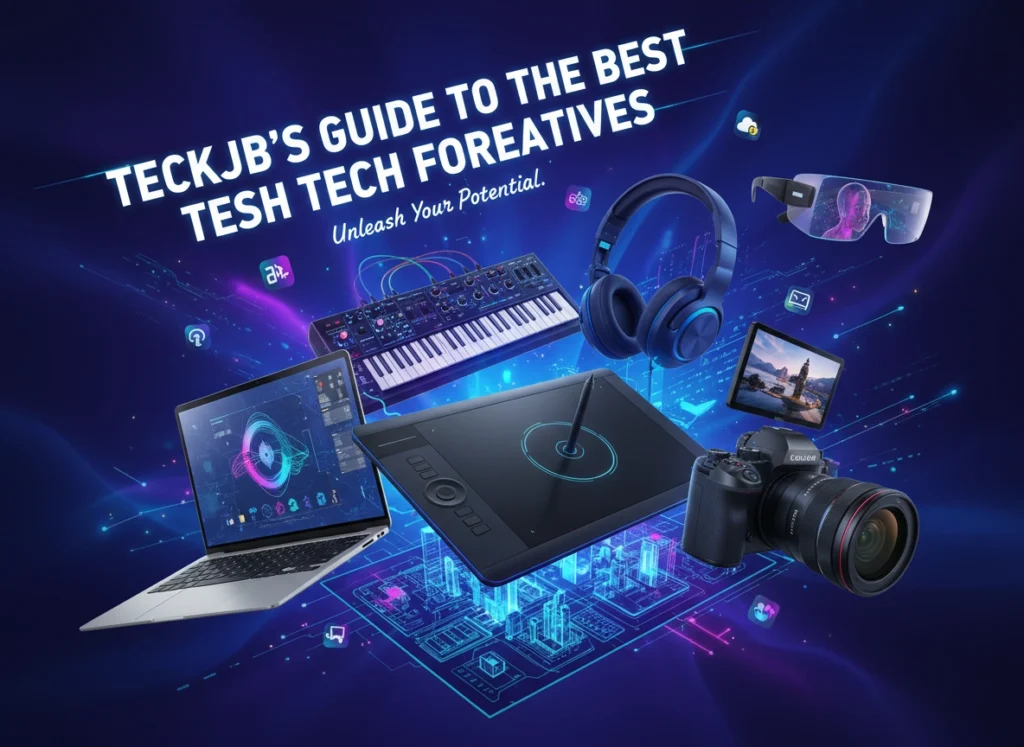

Creativity relies on vision, skill, and the right set of tools. While a brilliant idea can start with a simple sketch on a napkin, bringing that idea to life in a polished, professional format usually requires technology that can keep up with your imagination. Whether you are a graphic designer, a video editor, a music producer, or a digital artist, the hardware and software you choose act as the bridge between concept and reality.
At Teckjb, we understand that creative workflows are unique. A photographer needs color accuracy above all else, while a 3D animator requires raw processing power. This guide explores the current landscape of creative technology, highlighting the best tools across various disciplines to help you build the ultimate creative setup.
The Foundation: Computing Power for Creatives
Before diving into niche peripherals, every creative professional needs a solid foundation. The computer is the heart of the digital studio.
Apple MacBook Pro (M3 Max Chip)
For years, Apple has dominated the creative sector, and for good reason. The latest MacBook Pro iterations featuring the M3 Max chip have redefined mobile workstations. The unified memory architecture allows for seamless multitasking between heavy applications like Adobe Premiere Pro and After Effects. The Liquid Retina XDR display offers industry-leading color accuracy out of the box, which is critical for color grading and print design.
Dell XPS 15 and 17
For those who prefer the Windows ecosystem, the Dell XPS series remains a top contender. These laptops combine sleek aesthetics with powerful internals, often sporting NVIDIA GeForce RTX graphics cards that accelerate rendering tasks in 3D applications like Blender or Maya. The OLED display options provide deep blacks and vibrant colors, making them excellent for visual artists.
Custom PC Builds
For stationary workflows, specifically in 3D rendering and high-end video production, nothing beats a custom desktop PC. Building your own rig allows you to prioritize components that matter most to your specific workflow. For example, motion designers might invest heavily in a top-tier GPU like the NVIDIA RTX 4090, while music producers might prioritize a silent case and a high-core-count CPU like the AMD Ryzen 9 series to handle multiple plugin instances without latency.
Visual Mastery: Graphic Design and Digital Art
Visual artists require precision. The connection between hand and screen must feel natural, almost invisible.
Wacom Cintiq Pro 27
Wacom remains the gold standard for drawing tablets. The Cintiq Pro 27 offers a massive 4K canvas with virtually no parallax, meaning the cursor appears exactly where the pen tip touches the glass. The Pro Pen 3 is highly customizable, allowing artists to adjust weight and center of gravity. For digital painters and illustrators, this device mimics the tactile experience of traditional media while offering the infinite flexibility of digital layers.
EIZO ColorEdge Monitors
If your work involves print or high-end color grading, a standard monitor won’t cut it. EIZO ColorEdge monitors are built specifically for color fidelity. They come with built-in calibration sensors that automatically adjust the screen to maintain accuracy over time. This ensures that the red you see on screen is the exact red that comes off the printer, saving countless hours of proofing and correction.
iPad Pro with Apple Pencil
Mobility is increasingly important for modern creatives. The iPad Pro, paired with the Apple Pencil (2nd generation or Pro), has become a legitimate professional tool. Apps like Procreate have revolutionized illustration, allowing artists to sketch, ink, and paint anywhere. The responsiveness of the display and the pressure sensitivity of the pencil make it a favorite for concept artists and storyboarders who need to capture ideas on the fly.
Motion and Storytelling: Video Editing and 3D
Video editors and animators demand speed. Waiting for render bars is the enemy of the creative flow.
Blackmagic Design DaVinci Resolve Speed Editor
Software is only half the battle. The DaVinci Resolve Speed Editor is a dedicated hardware keyboard designed specifically for the “Cut” and “Edit” pages in DaVinci Resolve. It features a machined metal search dial that allows editors to scrub through footage with incredible precision and speed. By using both hands—one on the dial, one on the keys—editors can trim and organize footage significantly faster than using a mouse alone.
Loupedeck CT
The Loupedeck CT is a versatile, custom console that integrates with Premiere Pro, Final Cut Pro, and After Effects. It features a large touchscreen wheel and customizable buttons that can be mapped to your most-used shortcuts. Instead of memorizing complex keyboard combinations for color grading or audio adjustments, you can assign these functions to tactile dials, allowing for intuitive, “eyes-free” adjustments.
Fast External Storage: Samsung T9 SSD
4K and 8K footage eats up storage rapidly. Working off internal drives is often impossible due to space constraints. The Samsung T9 Portable SSD offers transfer speeds of up to 2,000MB/s, making it fast enough to edit high-resolution footage directly from the drive without dropped frames. Its rugged design ensures that your precious project files are safe during travel.
Sonic Landscapes: Music Production and Audio Engineering
For audio professionals, the goal is clarity and low latency. The tech should disappear, leaving only the sound.
Universal Audio Apollo Twin X
The audio interface is the bridge between your instruments and your computer. The Universal Audio Apollo Twin X is a favorite among producers for its pristine A/D and D/A conversion. However, its real power lies in its onboard DSP processing. It allows you to track through emulations of classic analog preamps and compressors with near-zero latency, taking the processing load off your computer’s CPU.
Beyerdynamic DT 1990 Pro Headphones
While studio monitors are essential, a reliable pair of reference headphones is crucial for checking mixes and working late at night. The Beyerdynamic DT 1990 Pro open-back headphones offer an incredibly wide soundstage and precise stereo imaging. Unlike consumer headphones that boost bass or treble to sound “good,” these are designed to sound honest, revealing flaws in the mix so you can fix them.
Ableton Push 3
For electronic music producers, the Ableton Push 3 is more than a controller; it is an instrument in itself. The latest standalone version allows you to produce complete tracks without even opening your laptop. With MPE (MIDI Polyphonic Expression) enabled pads, you can bend pitch and slide between notes by moving your fingers on the pads, adding a layer of expressiveness that standard MIDI keyboards often lack.
Productivity and Workspace Ergonomics
Creativity is hard work, and long hours at a desk take a toll. Investing in ergonomic tech extends your career by protecting your health.
Logitech MX Master 3S
This mouse is practically ubiquitous in creative studios. The MX Master 3S features an electromagnetic scroll wheel that can scroll 1,000 lines in a second but stop on a pixel. Its ergonomic shape reduces wrist strain, and its customizable buttons can be mapped to specific app functions—like changing brush size in Photoshop or zooming in on a timeline.
Herman Miller Aeron Chair
While not “tech” in the digital sense, the engineering behind the Herman Miller Aeron makes it a critical piece of gear. Proper spinal support is essential for editors and designers who sit for 8-12 hours a day. The Aeron’s mesh material regulates body temperature, keeping you cool during intense deadlines, while its adjustable posture fit supports the natural curve of the spine.
Choosing the Right Tech for Your Workflow
With so many options available, making a purchase decision can be paralyzed. Here are three practical tips for navigating the tech landscape:
- Identify Bottlenecks First: Don’t buy new gear just because it’s new. Analyze your current workflow. Is your computer freezing during renders? You need a better CPU or GPU. Is your wrist hurting? You need a better mouse or tablet. Solve specific problems rather than chasing trends.
- Ecosystem Matters: Consider how a new device fits into your existing setup. If you are deep in the Apple ecosystem, an iPad acts as a seamless second screen via Sidecar. If you use Windows, ensure your peripherals have robust driver support for your OS.
- Future-Proofing vs. Reality: It is tempting to buy the most expensive specs to “future-proof” your setup. However, technology moves fast. Often, mid-range gear upgraded every 3-4 years serves better than top-tier gear kept for 8 years. Buy what you need for the next two years of work, not the next ten.
Staying Updated in a Fast-Moving World
The landscape of creative technology changes rapidly. AI tools are integrating into hardware, screens are becoming more accurate, and processors are becoming more efficient. At Teckjb, we believe that staying informed is part of the job description.
Regularly reviewing your tech stack ensures you aren’t working harder than necessary. However, remember that technology is merely a facilitator. The most powerful tool in your arsenal remains your own creativity. The best gadgets are the ones that remove friction, allowing your ideas to flow freely from your mind into the world.
Whether you are upgrading a single component or building a studio from scratch, investing in quality tools is an investment in your art. Choose wisely, create boldly, and let the technology handle the heavy lifting.
Please click here for more info.