


Hard drives fail. Laptops get stolen. Phones fall into swimming pools. These aren’t just unfortunate accidents; they are digital catastrophes waiting to happen. For years, the only defense against data loss was a physical backup—an external drive that you had to remember to plug in. But the landscape of data management has shifted dramatically. Cloud storage has moved from a tech buzzword to an essential utility, fundamentally changing how we save, share, and protect our digital lives.
Cloud storage isn’t just about disaster recovery, though that is a massive benefit. It is about untethering your work and memories from a single physical device. It allows you to start a document on your office PC, edit it on your phone during your commute, and finalize it on a laptop at home without ever emailing a file to yourself.
This guide will break down exactly what cloud storage is, why it matters, and crucially, how to navigate the crowded market to find the service that perfectly fits your personal or business needs.
Why Cloud Storage Matters More Than Ever
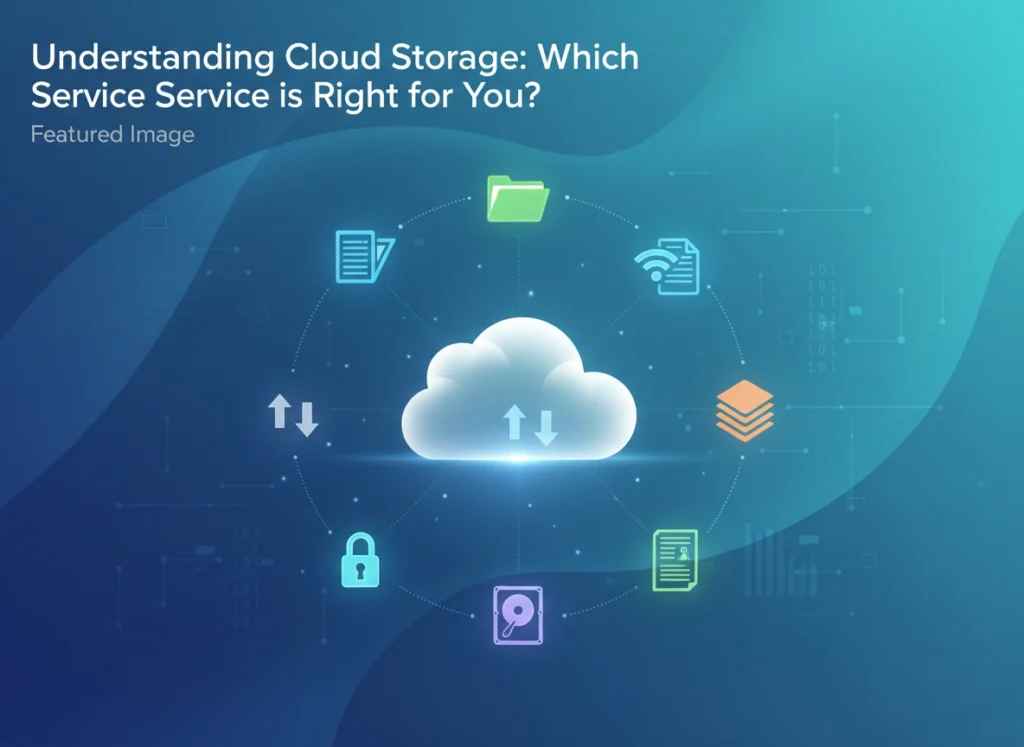
At its core, cloud storage is a model where data is stored on remote servers accessed via the internet. These servers are maintained, operated, and managed by a cloud storage provider. Instead of saving files to your computer’s hard drive or other local storage device, you save them to a remote database.
The shift to the cloud is driven by three primary factors: reliability, collaboration, and mobility.
Reliability and Redundancy
When you store a file on your local computer, it exists in one place. If that drive corrupts, the file is gone. Cloud providers, however, use redundancy. When you upload a file, it is often copied across multiple servers in different locations. If one server fails, your data remains safe on another. This level of data durability is difficult and expensive to replicate with personal hardware.
Collaboration and Sharing
The modern workflow is rarely solitary. Whether you are a student working on a group project or a corporate team finalizing a quarterly report, you need to share files. Cloud storage transforms static files into living documents. Multiple users can view, edit, and comment on the same file simultaneously, eliminating version control nightmares like “Report_Final_v3_REAL_FINAL.docx.”
True Mobility
We live in a multi-device world. Relying on local storage creates silos where your photos are stuck on your phone and your documents are trapped on your desktop. Cloud storage acts as a universal bridge, ensuring your digital ecosystem is accessible regardless of the device you have in your hand.
Key Features to Look For
Before comparing specific brands, it is vital to understand the yardsticks we use to measure them. Not all clouds are built the same.
Scalability
Your storage needs today won’t be your storage needs tomorrow. A good service offers flexible tiers. You might start with a free 5GB plan, but as your photo library grows or your business expands, you should be able to upgrade to 2TB or even 100TB seamlessly.
Security and Encryption
Security is the biggest concern for most users. You are entrusting a third party with your sensitive data. Look for providers that offer:
- Encryption at rest and in transit: This ensures your data is scrambled and unreadable while it travels to the server and while it sits there.
- Two-Factor Authentication (2FA): An essential layer of defense against unauthorized access.
- Zero-knowledge encryption: This is the gold standard for privacy. It means only you have the key to decrypt your data; not even the service provider can see your files.
Synchronization Speed
How fast does a change on your laptop reflect on your phone? “Block-level sync” is a feature to watch for. Instead of re-uploading an entire 1GB video file when you change the title, block-level sync only updates the tiny piece of data that changed, making the process lightning fast.
The Heavy Hitters: A Comparison of Top Services
The market is saturated, but a few names dominate for good reason. Here is how the major players stack up against each other.
1. Google Drive
Best for: Collaboration and Android users.
Google Drive is ubiquitous. If you have a Gmail account, you already have Google Drive. Its greatest strength is its deep integration with Google Workspace (Docs, Sheets, Slides). It makes real-time collaboration effortless.
- Pricing: 15GB free; plans start around $1.99/month for 100GB.
- Pros: Generous free tier, unmatched collaboration tools, powerful search capabilities (it is Google, after all).
- Cons: Privacy concerns regarding how Google analyzes data; the web interface can feel cluttered.
2. Dropbox
Best for: Easy sharing and third-party integrations.
Dropbox was the pioneer that popularized consumer cloud storage. It remains a favorite for its simplicity and reliability. It uses block-level sync, making it faster than many competitors when handling large files that are frequently edited.
- Pricing: 2GB free; plans start around $9.99/month for 2TB.
- Pros: Incredible sync speeds, clean interface, integrates with almost every other app (Slack, Zoom, Adobe).
- Cons: The free tier is tiny (2GB), and it is generally more expensive than competitors for the same amount of space.
3. Microsoft OneDrive
Best for: Windows users and Office 365 subscribers.
If you live in the Windows ecosystem, OneDrive is a no-brainer. It is built directly into Windows 10 and 11, feeling like a natural extension of your file explorer. The real value comes with a Microsoft 365 subscription, which bundles 1TB of storage with the premium versions of Word, Excel, and PowerPoint.
- Pricing: 5GB free; $1.99/month for 100GB; included with Microsoft 365 subscriptions.
- Pros: Seamless Windows integration, “Personal Vault” for extra sensitive files, excellent value if you use Office apps.
- Cons: The Mac experience is less polished than the Windows version; file versioning can be tricky to manage.
4. iCloud Drive
Best for: Apple loyalists.
If you own an iPhone, iPad, and MacBook, iCloud is the glue that holds them together. It works silently in the background, syncing photos, messages, and app data. It is less of a “folder in the cloud” and more of a whole-device backup solution.
- Pricing: 5GB free; $0.99/month for 50GB; bundled in Apple One.
- Pros: Invisible integration into Apple ecosystem, reasonably priced lower tiers, “Hide My Email” and other privacy features included in paid plans.
- Cons: Terrible experience on Windows/Android; difficult to use for collaboration compared to Google or Dropbox.
5. Amazon S3 (Simple Storage Service)
Best for: Developers, businesses, and archival needs.
Amazon S3 is not a typical consumer “drag-and-drop” folder. It is object storage designed for scale. It powers much of the internet (including Netflix and Airbnb). For individuals, it is complex, but for businesses building apps or needing massive, cheap archival storage (via Amazon Glacier), it is the industry standard.
- Pricing: Pay-as-you-go model based on usage volume and retrieval frequency.
- Pros: Infinite scalability, industry-leading reliability (99.999999999% durability), highly customizable.
- Cons: Requires technical knowledge to set up; confusing pricing structure with egress fees (costs to download your data).
How to Choose the Right Service
With so many options, the “best” choice is subjective. To narrow it down, ask yourself these three questions:
What devices do I use?
If you are strictly Apple, iCloud removes friction. If you use a Windows PC and an Android phone, Google Drive or OneDrive offers a better bridge. Do not fight your operating system; choose the storage that plays nicely with your hardware.
What kind of files am I storing?
If you are a photographer or video editor, you need massive capacity and fast upload speeds. Dropbox or a specialized service like Backblaze might be best. If you mostly store text documents and spreadsheets, Google Drive’s 15GB free tier might last you years.
Do I need to collaborate?
If you work solo, security and price are your main metrics. Look at pCloud or Sync.com for privacy-focused options. But if you need to send drafts to clients or work on spreadsheets with colleagues, the collaboration tools in Google Drive and OneDrive are non-negotiable necessities.
Conclusion
The era of keeping your digital life on a fragile, physical hard drive is ending. Cloud storage offers a level of security, flexibility, and convenience that physical media simply cannot match. However, it is not a one-size-fits-all solution.
For the student needing to type essays on a tablet, Google Drive is king. For the corporate executive living in Excel, OneDrive is the logical partner. For the creative professional sharing 4GB video files, Dropbox delivers the speed required.
Take a moment to audit your digital life. Where is your data currently living? If the answer is “on my laptop,” it is time to look up. Evaluate your budget, your ecosystem, and your privacy needs, and choose a cloud partner that ensures your data is safe, accessible, and ready for whatever comes next.
Please visit website for more info